
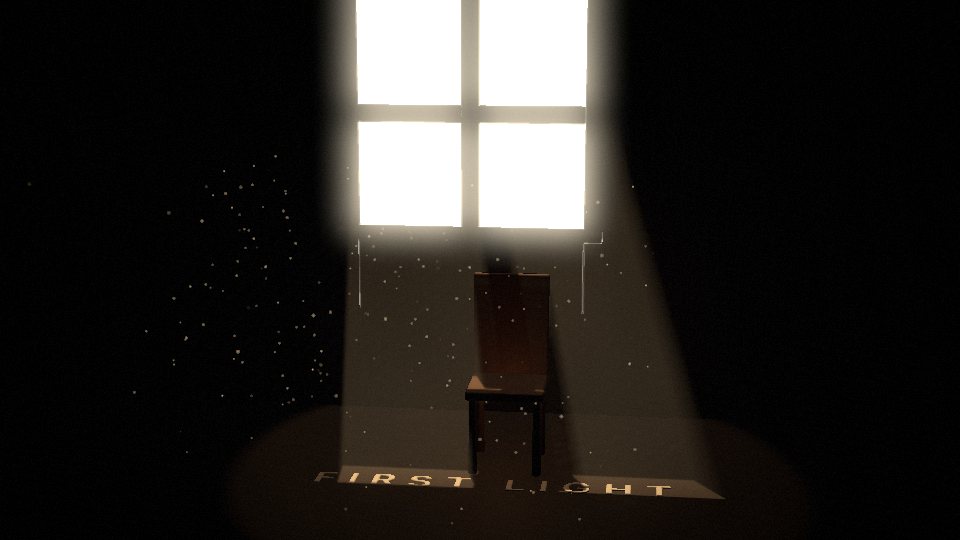
“Snow that falls on the title and piles up on the letters.”
Simulated, so every flake lands and stays where it falls.
EditOne Motion is a video editor, motion graphics and 3D app with an AI assistant built in. Ask for an effect, a title sequence, a 3D shot or a whole film. It builds it as real layers, keyframes and knobs you can change by hand.
Every feature is free to try. Pay to take the EditOne mark off your exports.
Cut footage, add transitions, titles and captions, grade it, then build the motion graphics and effects around it, in 2D and 3D. The assistant can do any of it, and so can you.
Kinetic type, illustrated characters, posters that move, product shots in glass and chrome, whole small worlds. Built with the tools motion designers know: compositions, keyframes and a graph editor, shape layers, expressions, text animators and 3D cameras.
Every piece here was made in EditOne, with the assistant and by hand.
Ask for an effect, a transition, a move or a 3D shot that doesn’t exist yet. The assistant writes it for your request (its own shader, its own particles, its own simulation), then watches the result and fixes what looks wrong.
“Snow that falls on the title and piles up on the letters.”
Simulated, so every flake lands and stays where it falls.

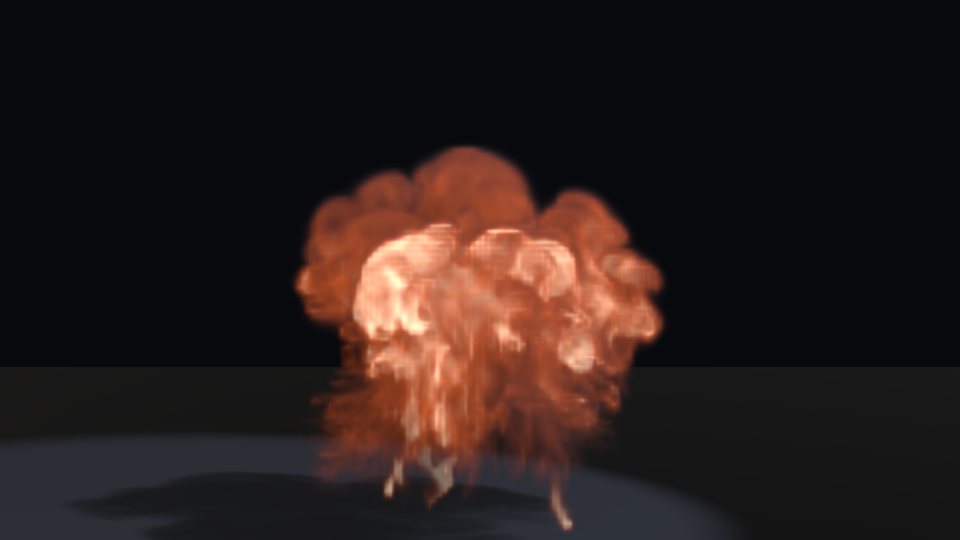
“Set the word on fire, but keep it readable.”
Flames rise off the letters’ own shapes, frame by frame.
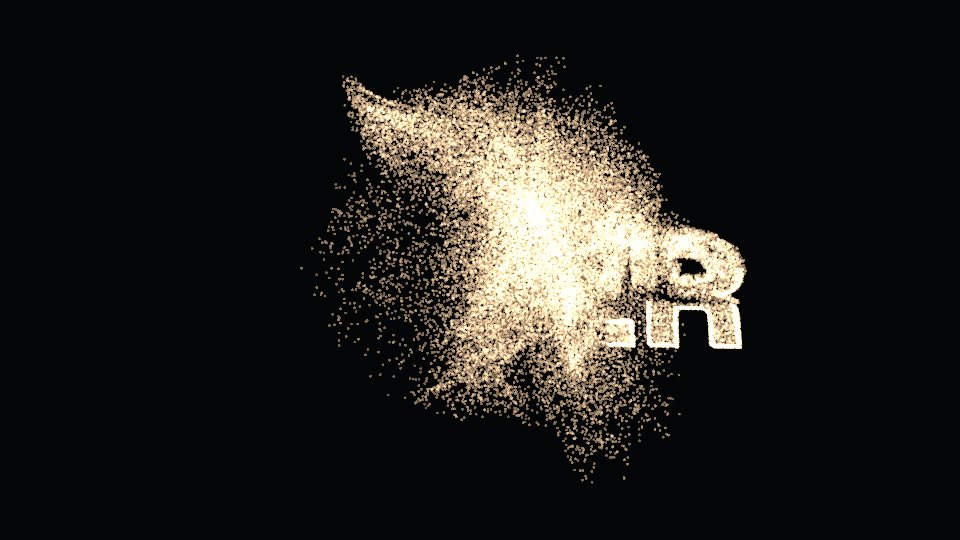
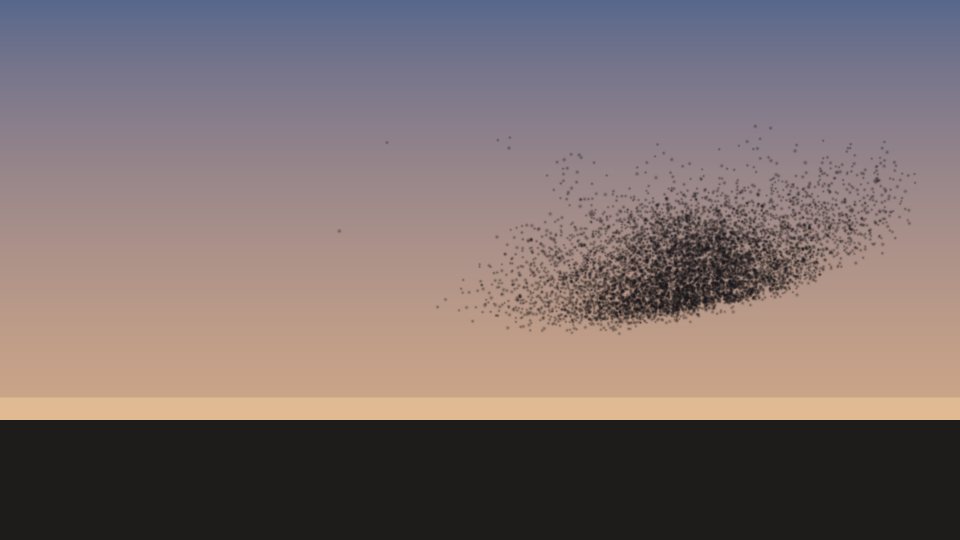
“Blow the title away like ash, then gather it back.”
Thousands of specks, each one a piece of the type.
Hundreds of presets are there when you name one. Everything else, it makes:
Whatever the assistant builds lands as ordinary layers, keyframes and knobs, never a flat video. Change any of it yourself. Ask for something else, and your changes are still there.
You describe a piece. The assistant lays it out on the timeline: comps, layers, lights, a camera move, the effects it wrote.
Drag a knob, recolor a layer, nudge a keyframe or open its code. Any number it chose can become a slider.
Ask for a different ending or another version. It works around what you touched, so your edits survive its rewrites.
Yours or the assistant’s, each change is one step you can see and take back.
Open any scene, shader or expression it wrote and edit it, with the preview beside it.
Text stays text, shapes stay shapes, and a 3D object keeps its materials and lights.
Generated video usually means rolling the dice. In EditOne you build the shot first: a rough 3D set, who stands where and how the camera moves. The video model follows it, so the room, the blocking and the move hold from take to take.
Drag to compare. Left: the gray set EditOne rendered, with its camera push. Right: the shot a video model made from it, in a drawn look.
Give the assistant a photo of a room. It blocks out the space in 3D, to scale, with stand-ins for people and props.
Place cameras and program their moves: a slow push, an orbit, a crane up. Each shot is a camera and a range.
Pick a key frame for the look, and every shot is filmed through its camera, so the model knows the room and the move.
Each generation lands in the edit as a take, with its prompt, model and cost. Try another; nothing you paid for is lost to an undo.
Save a character or a product once, and it looks the same in every shot.
Fill a gap from the shots either side, extend a shot that ends too soon, or bring a still to life, right where it sits.
Write the narration and pick a voice. ElevenLabs reads it, and the edit is cut to the words.
Connect ComfyUI on your computer and generate locally, for free, with the same takes on the same timeline.
Bring a fal key for current video and image models. You see the price before anything runs.
Set what you’re willing to spend, and choose at export whether to label a video as made with AI.
Dozens of looks come built in, from cut paper to neon, each made from its own materials and motion rather than a filter on top. Or build your own and use it on anything.
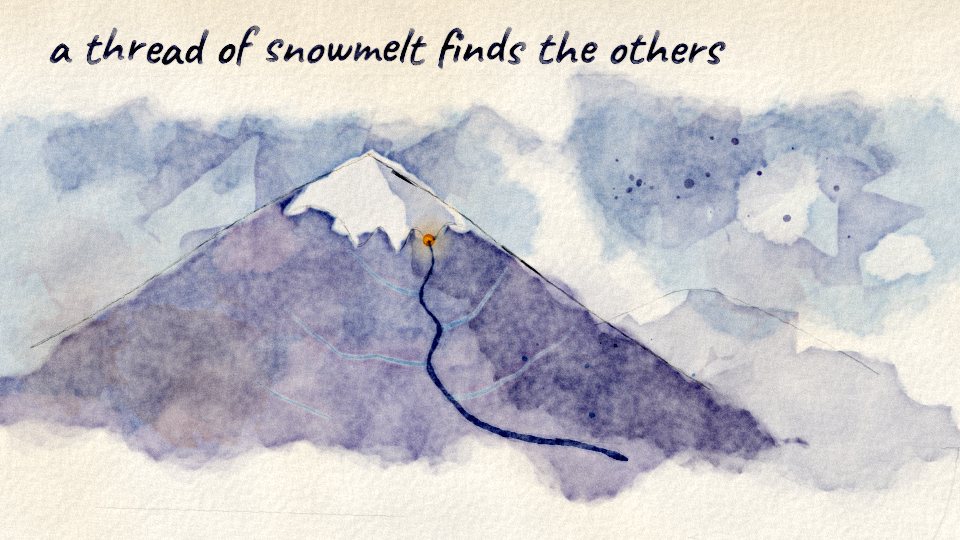
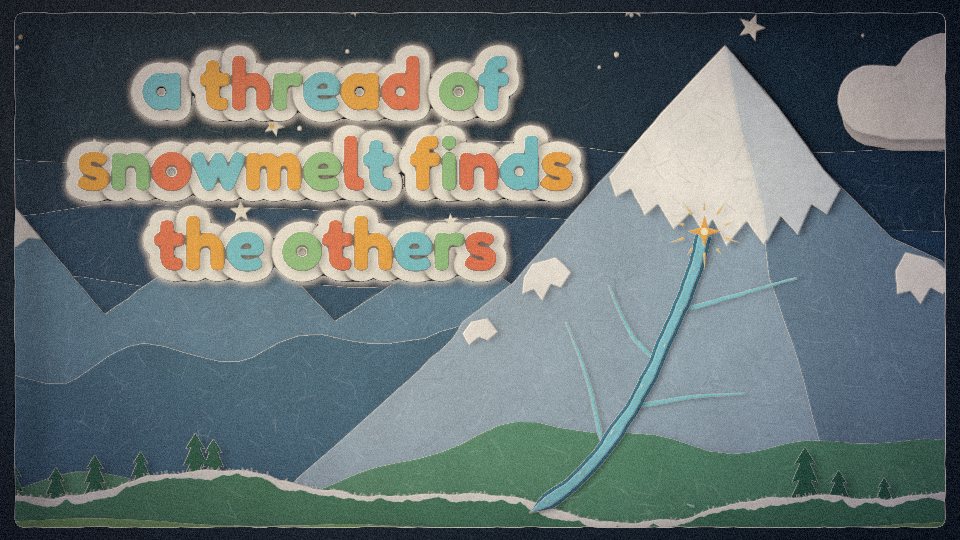
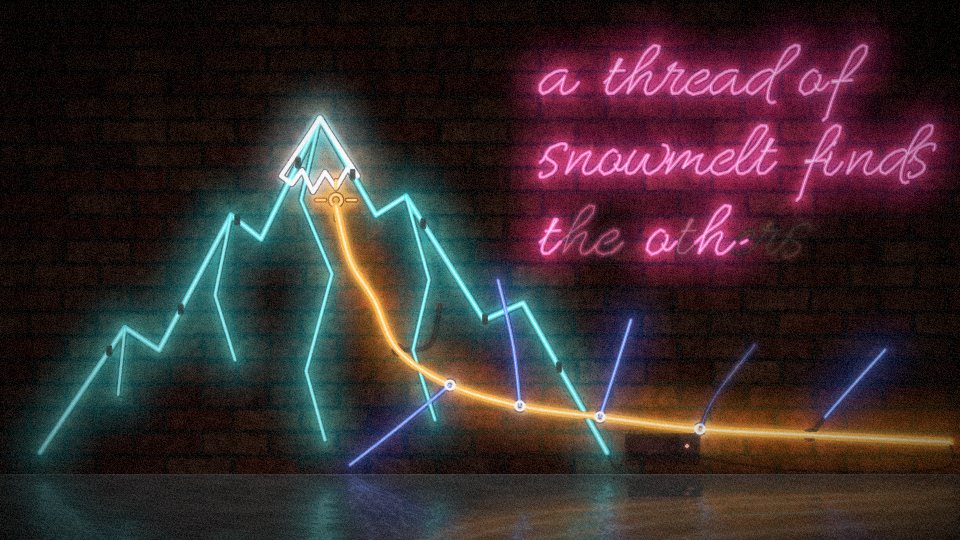

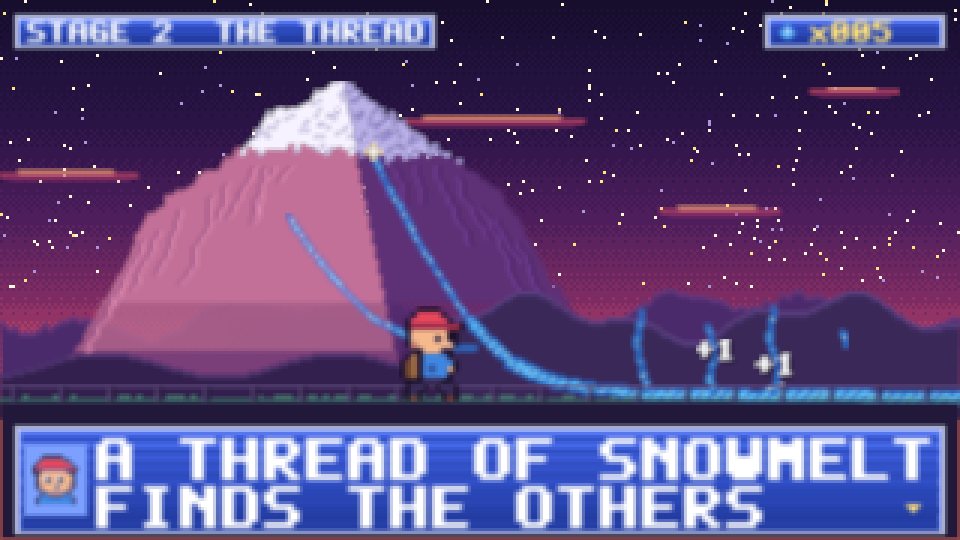
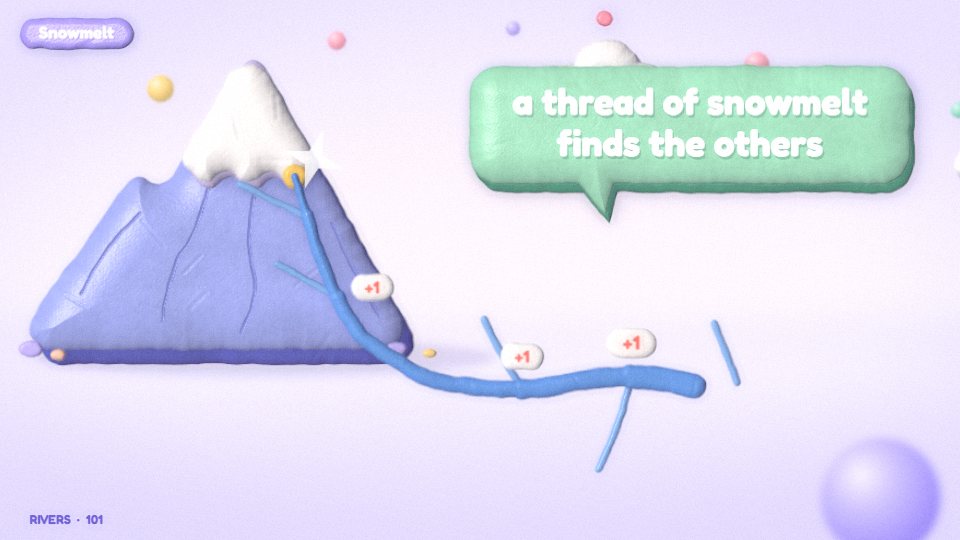
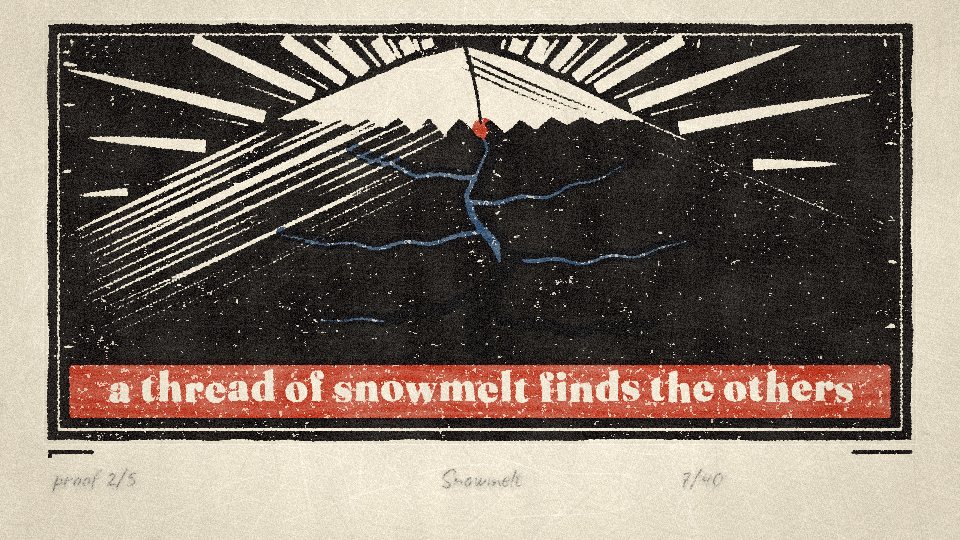
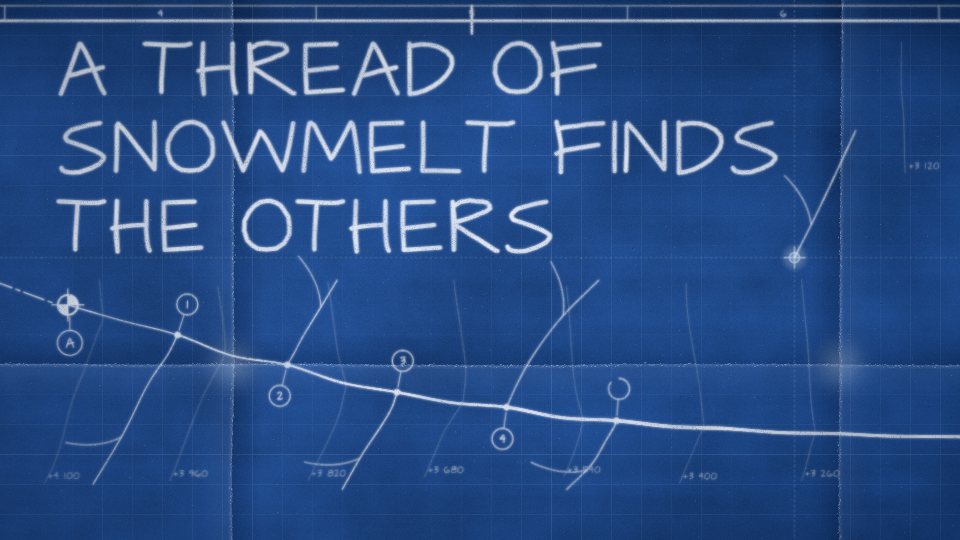
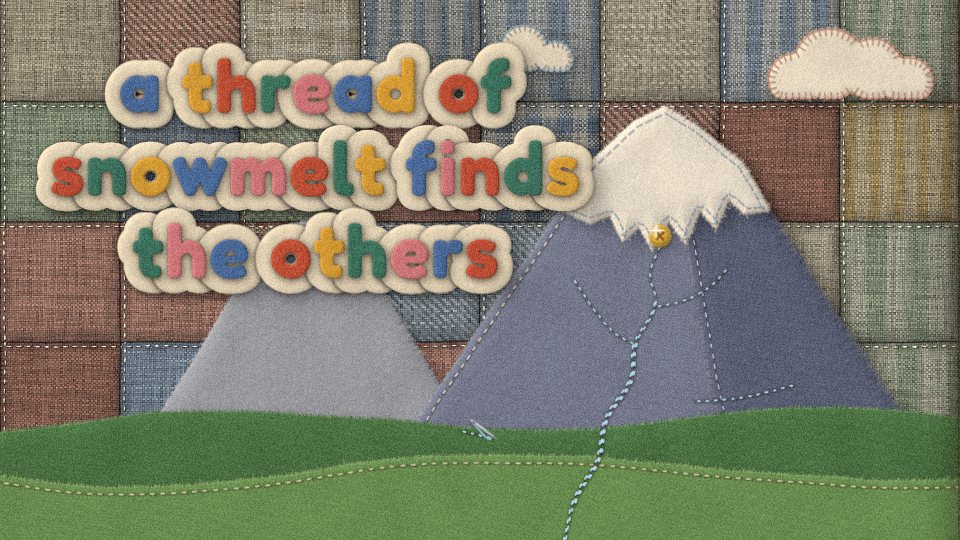
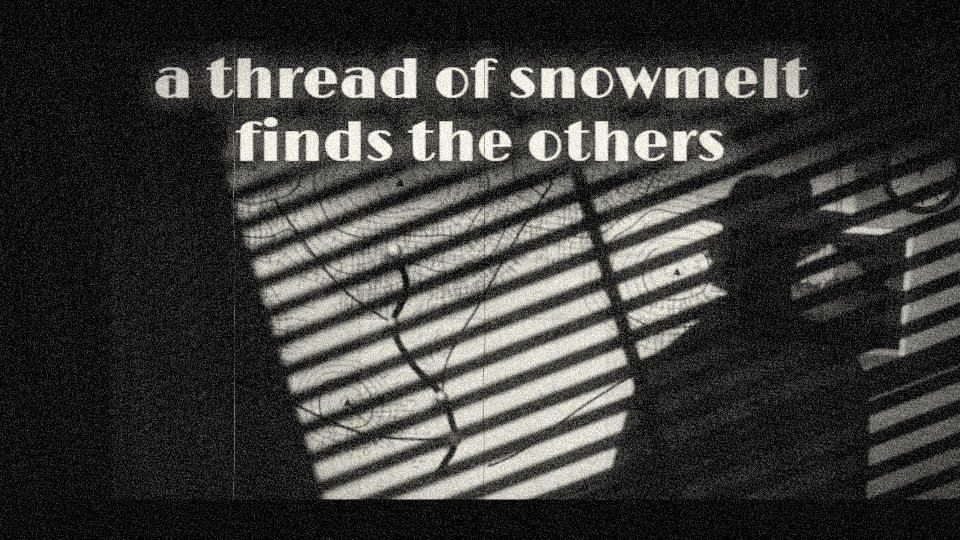
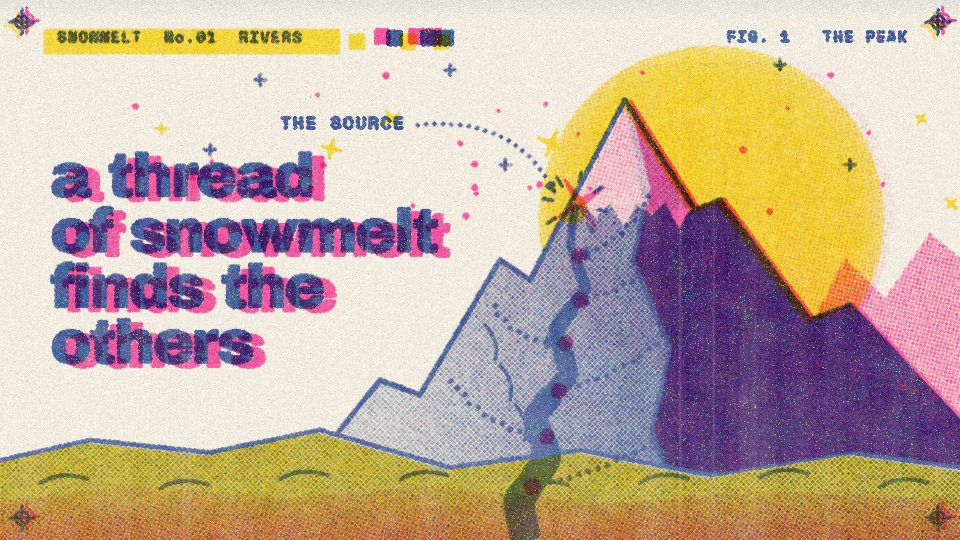
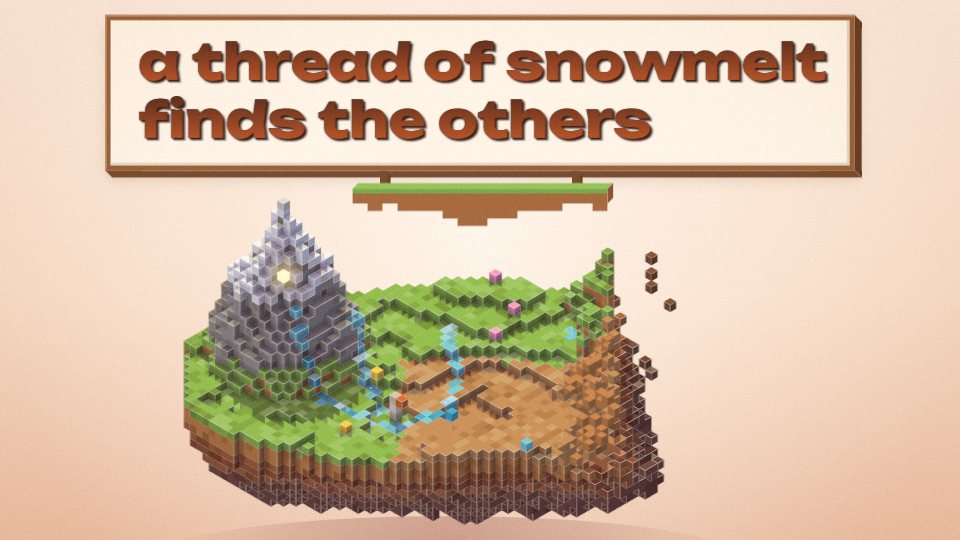
Paste a few lines about a look you love. You get a style of your own, with its palette, type, materials, motion and a worked example.
Show it a piece you admire. It reads the technique (never copying the footage) and saves what it learned as a style.
Move a finished piece into another style. Colors, type and finish change; your words stay exactly as they were.
Modeling, materials, lighting, particles, simulation, editing and color usually mean learning several programs. In EditOne you ask one assistant, and it all renders in one place, lit and shadowed like a modern game.


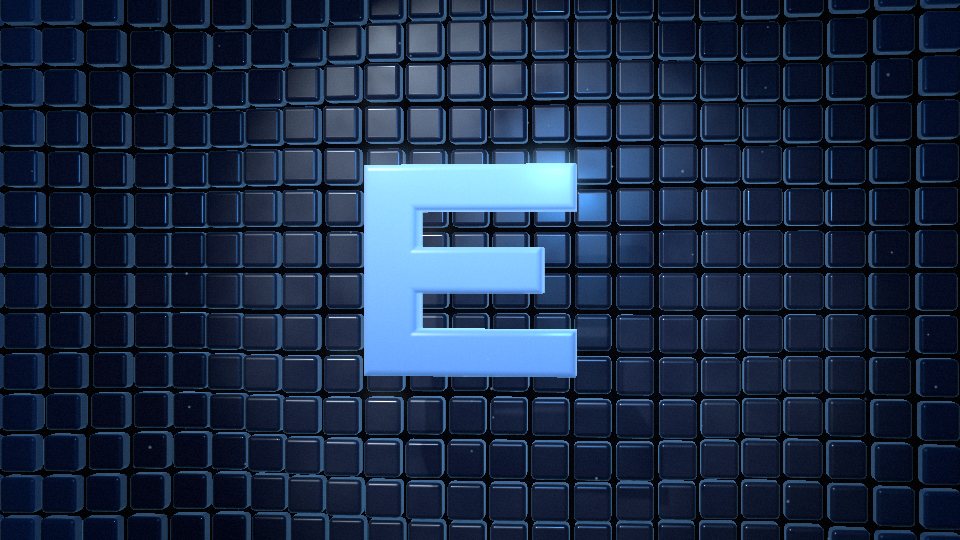


What you see while you work is exactly what you export, frame for frame.
Send a comp through Blender’s Cycles for physically exact light, rendered in the background.
Turn it on in Settings, and 3D is ray traced as you work, like a modern game. Best on NVIDIA RTX cards.
Model in Blender, and your changes land in place in EditOne. Or let the assistant work in Blender for you.
EditOne doesn’t resell AI or mark it up. Use the AI you choose, and pay for it directly, or not at all if you already have a plan. It works best with Claude.
Paste an API key from Anthropic and the built-in assistant runs on it. You pay Anthropic only for what you use.
Connect Claude Desktop, Claude Code or another app that speaks MCP. It drives EditOne with the same tools as the built-in assistant, inside the plan you already pay for.
A two-way link: send a model to Blender, change it, and it lands back in place. Its Cycles renderer makes path-traced frames.
Point EditOne at ComfyUI on your computer, and generations run on your own GPU at no cost.
Your own keys for the latest video and image models and natural voiceovers, priced before they run.
Your footage stays on your computer. The assistant sees small frames, transcripts and how the project is built, and Settings lists exactly what is sent and when. Your keys are kept by the app on your computer, never in a project.
Subscriptions open soon. Join the waitlist and we’ll email you first.
Pay for 12 months in a row and the version you have is yours to keep, with clean exports, even if you stop. Keep paying and that version moves forward with you.
Prices in US dollars. Tax is added at checkout where it applies. Payments are handled by Paddle, our reseller, with refunds within 14 days. AI and generation are paid to their providers through your own keys.
Leave your email and get the Windows download right away. No card, no trial clock.
EditOne works and people make real pieces in it, but it’s new. Expect frequent updates and a few rough edges. Founding members keep their price, and we read every email.
Windows 10 or 11 (64-bit) with a graphics card from NVIDIA, AMD or Intel. A recent card makes 3D and simulations faster. Live ray tracing is best on NVIDIA RTX. A Mac version for Apple silicon is on the way.
With your own Claude key, about $15–25 a month for a piece a week, and more for daily professional work. If you already pay for Claude Desktop or Claude Code, connecting it costs nothing extra. Generated video, images and voices are paid to their providers, and EditOne shows the price before each one runs.
Only for the AI and online generation. Editing, rendering, exporting and local generation through ComfyUI work offline. A license keeps working offline for 14 days past its paid-through date.
Nothing is locked. Every project opens and the assistant still works. Exports go back to carrying the mark at up to 1080p, unless you paid 12 months in a row: then the version you had stays clean for good.
It does much of the same job, with compositions, layers, keyframes, expressions, 3D and tracking, plus editing, AI video and an assistant that can build all of it. It can’t open After Effects projects.
No. EditOne models, lights and renders 3D on its own. Blender is there if you want it: for modeling by hand, or for path-traced frames through Cycles.
Up to three at once. Move a license from EditOne’s settings or from the web page that came with your key.
Yes, within 14 days of buying. Paddle, our reseller, handles payments, receipts and refunds.
Your media never does, unless you send a frame to a generation service yourself. The assistant sees small frames, transcripts and the project’s structure. A license check sends only the key, a hash of the computer’s id and the app’s version.
Join the beta today, or try every feature for free.
Join the beta’s waitlist, or try every feature for free.